Reviews
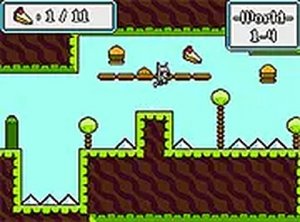
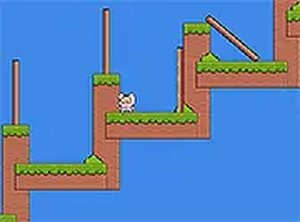
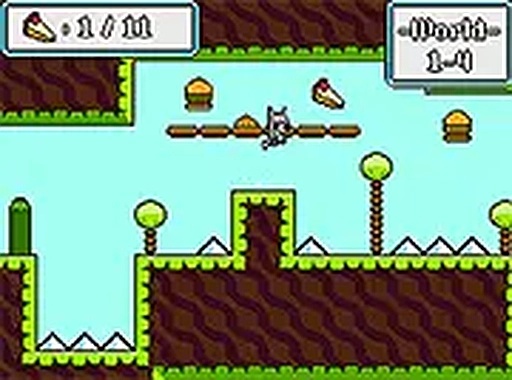
Jack the Raccoon Adventure Platformer captures the essence of classic NES games with its pixel art and straightforward gameplay. The controls are responsive, and the levels offer a good balance of challenge and enjoyment. It is perfect for short gaming sessions and is completely free with no downloads required.
About this game
Game Introduction
Jack the Raccoon Adventure Platformer is a free online game that brings back the charm of classic NES-style adventures. Players take control of a friendly raccoon named Jack, exploring colorful levels filled with platforms, coins, and obstacles. The game is designed for desktop browsers and uses simple keyboard controls. It is a family-friendly experience suitable for players of all ages. The goal is to guide Jack through each stage, collecting items and avoiding hazards. The retro pixel art style adds a nostalgic feel while keeping the gameplay fresh and engaging. No downloads are required, so you can start playing immediately. Each level introduces new challenges that test your timing and coordination. The game is easy to pick up but offers enough depth to keep you entertained. It is a great choice for short breaks or longer gaming sessions.
How to Play
To play Jack the Raccoon Adventure Platformer, use your keyboard. Press the arrow keys to move Jack left or right. Press the up arrow to jump over obstacles and onto platforms. Collect coins and other items to earn points. Avoid enemies and hazards to stay alive. The game runs smoothly in your browser. You can switch to full screen mode for a more immersive experience. Each level has a clear path to the end, but you must plan your moves carefully. Timing your jumps is important to avoid falling or getting caught. The controls are responsive and easy to learn. There are no complicated instructions, so you can start playing right away. The game saves your progress automatically, so you can return to where you left off. It is designed to be accessible for both new and experienced players.
Game Features
Retro NES-style graphics that look clean and colorful. Free browser play with no downloads or installations needed. Full screen mode for a more focused gaming experience. Family-friendly content with no violence or inappropriate themes. Simple keyboard controls that are easy to learn. Multiple levels with increasing difficulty. Collectible coins and items to boost your score. Smooth performance on most desktop browsers.
Tips for Success
To succeed in Jack the Raccoon Adventure Platformer, practice timing your jumps carefully to avoid obstacles and enemies. Explore each level thoroughly to collect all coins and items for higher scores. Pay attention to enemy patterns to anticipate their movements. Take breaks if you get stuck, as a fresh perspective can help. Use full screen mode to minimize distractions. Remember that progress is saved automatically, so you can retry levels without losing your place.
✅ Compatibility & Testing
• Desktop (Windows 11, macOS Ventura)
• Mobile (iPhone 14, Samsung Galaxy S23)
• Tablet (iPad Pro, Android tablet)
✅Supported browsers: Chrome, Safari, Edge, Firefox (latest versions)
❌ Not supported: Internet Explorer, older browser versions
Advertisement
Faq
Is Jack the Raccoon Adventure Platformer available on mobile devices?
The game is designed for desktop browsers and may not be optimized for mobile devices. For the best experience, play on a computer with a keyboard. Mobile support is not guaranteed.
Does the game include any in-app purchases or ads?
Jack the Raccoon Adventure Platformer is completely free to play with no in-app purchases. It may include standard web ads that are common on free gaming sites, but no purchases are required.
Can I play Jack the Raccoon Adventure Platformer offline?
No, the game requires an internet connection because it runs directly in your browser. There is no downloadable version, so you need to be online to access and play it.
How many levels are there in Jack the Raccoon Adventure Platformer?
The exact number of levels is not specified, but the game features multiple stages with increasing difficulty. Players can progress through each level sequentially, with new challenges introduced along the way.
Is there a way to reset my progress in the game?
The game saves progress automatically in your browser. To reset, you may need to clear your browser's local storage or cache for the game site. Check your browser settings for options to manage site data.
What should I do if the game runs slowly on my computer?
Ensure your browser is updated to the latest version. Close other tabs or applications to free up system resources. Lowering your screen resolution or disabling hardware acceleration in browser settings may also improve performance.