
Character Customization Basics
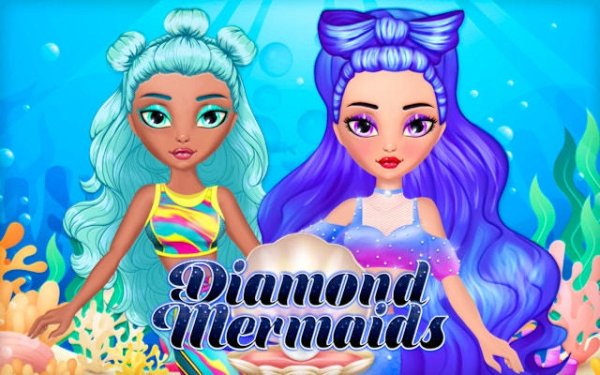
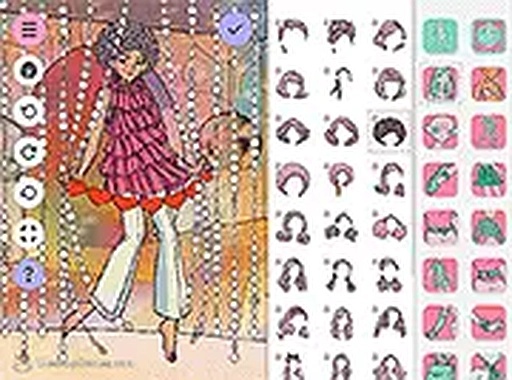
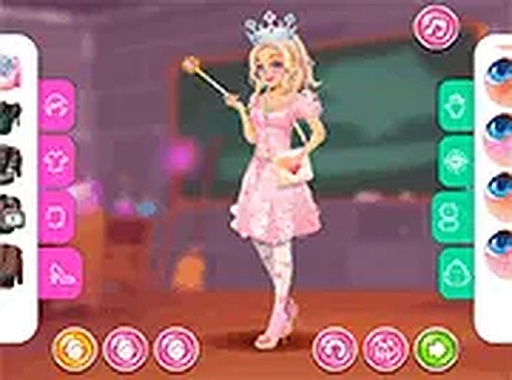
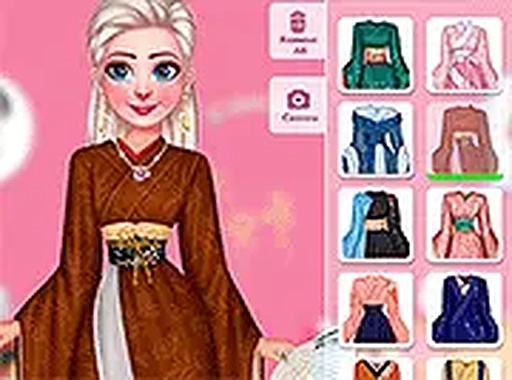
Players begin with a blank mermaid template and build their look from scratch. The interface presents a series of categories for makeup, hair, and clothing. Each category contains multiple options that can be applied with a simple click or tap. The system allows for layering choices, so a player can select eye color, lip shade, and cheek highlights separately before moving on to hairstyle and outfit. This modular approach gives everyone control over every detail of their character's appearance.
Creative Freedom Without Pressure
There are no timers, scores, or objectives to complete. This design choice removes any sense of urgency, letting players focus entirely on the creative process. Users can experiment with bold color combinations or subtle natural palettes. The absence of failure conditions means every choice is valid, encouraging exploration and repeated play. This structure makes the game especially suitable for younger players or anyone seeking a low-stress activity.
Visual Themes and Aesthetic Choices
The art style centers on bright, clean visuals with a fantasy underwater theme. Options include scales in various colors, seashell-shaped accessories, and flowing hair styles. The makeup range covers natural tones as well as brighter fantasy shades. Outfits may include tops, skirts, and full dresses that coordinate with the chosen hair and makeup. The overall look remains family-friendly and cheerful, with no scary or intense imagery.
Saving and Sharing Creations
Once a design is complete, the game allows users to save their mermaid as a high-quality PNG image. This file can be stored on a device, shared with friends, or used as a profile picture. The save function captures the final look exactly as it appears on screen. There is no limit on how many designs can be saved, so players can create multiple characters over time.
Controls and Accessibility
The game is controlled entirely through mouse clicks or touchscreen taps. Menus are clearly labeled, and each option previews before being applied. The layout is designed for young children and those unfamiliar with complex interfaces. Buttons are large, and the navigation follows a logical left-to-right flow. This simplicity ensures that anyone can start creating without needing instructions or prior experience.

Comments
0 comments