
Choosing Your Canvas
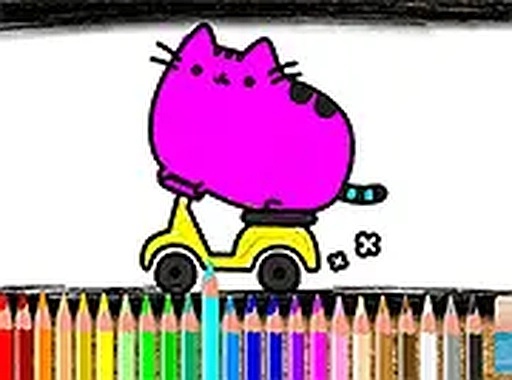
Upon starting, players see a gallery of cat illustrations. Each image offers a different pose or setting, from a sleeping kitten to a playful cat with a ball of yarn. The variety keeps the experience fresh, encouraging users to return and try a new picture. Selecting one opens the coloring workspace, where the outline is clearly visible and sections are well-defined for easy filling.
The Coloring Process
A palette of colors sits at the bottom of the screen. Players tap a shade, then tap the area they wish to color. The selected region fills instantly. Changing colors is simple, allowing for experimentation with different combinations. The interface responds equally well to mouse clicks and touch taps, making it suitable for desktop and mobile use. A full-screen option provides a more immersive view.
Tools for Creative Freedom
Two handy tools support the coloring process. An undo button reverses the last action, useful for correcting mistakes or trying a different color. A redo button restores an undone step. This pair gives players confidence to experiment without fear of ruining their work. The tools are clearly labeled and accessible throughout the session.
Progress and Flexibility
The activity automatically saves the current state of each picture. This means a player can start a cat image, close the browser, and return later to find their work exactly as they left it. There is no pressure to finish in one sitting. This feature is especially helpful for young children who may have shorter attention spans or for adults who want to color during short breaks.
Designed for Relaxation
No timers, scores, or levels exist in this experience. The sole purpose is to provide a calm environment where creativity can flow without interruption. The lack of competition or deadlines makes it a suitable activity for winding down after a busy day. Parents often use it as a quiet-time activity for children, while adults may find it a mindful way to relax.








Comments
0 comments